
Wedding QR code: all your memories in one album
Collect your guests' photos and videos in real time, without them downloading any app. They scan the QR code, upload from their phone, and you find everything in one private gallery.
Rated Excellent by users
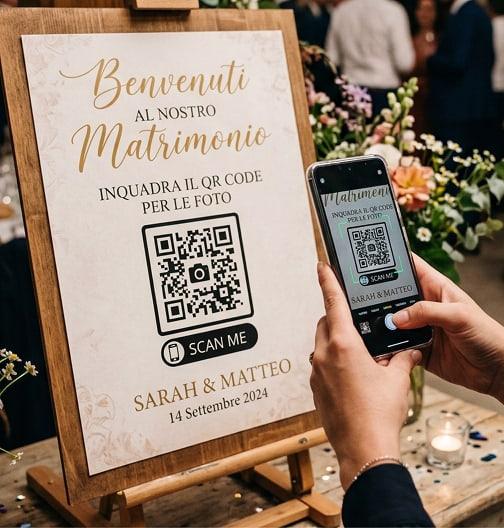
What is a wedding QR code and how does it work for guest photos?
A wedding QR code is a code your guests scan with their smartphone camera to open a shared gallery where they can upload photos and videos of the reception, without downloading any app.
With Togevent the code is generated automatically when you create your event: print it on your seating chart, place cards or invitations, and every guest's shot ends up in one private album you can download in original quality in one click.
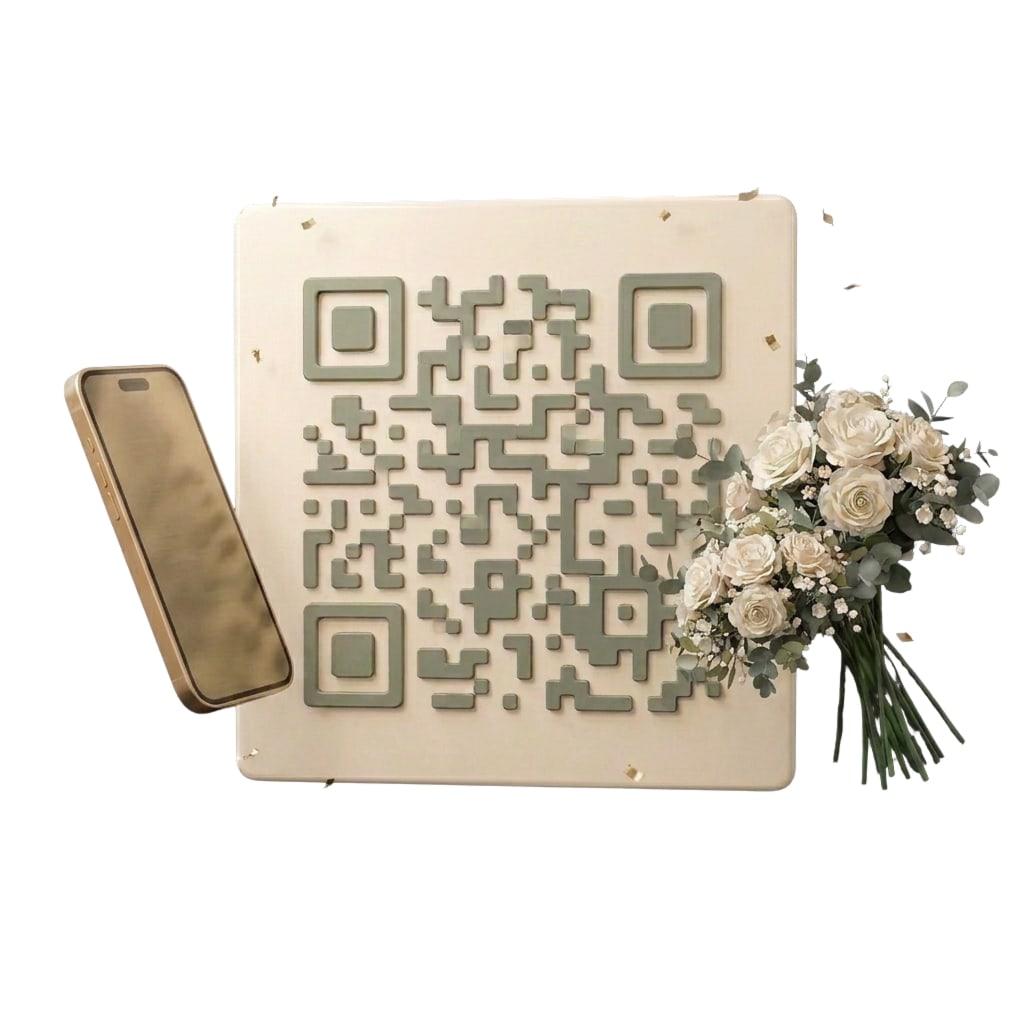
Collect your guests' photos and videos in real time
Forget photos scattered across group chats. With the Togevent shared photo gallery, every guest uploads their shots during the party, straight from their smartphone.
In just a few minutes you have a complete, tidy digital album, ready to relive — and to share with anyone who couldn't make it.
Where to place the QR code
Print it on your invitations and save the dates to get guests involved from the very start.
Learn more
Choose the design that best suits your event
Choose from dozens of designs for your wedding. Every template includes a ready-to-use QR code: guests scan it and share photos and videos in your digital album, without downloading any app.
Customizable QR code templates for every event
Browse the templates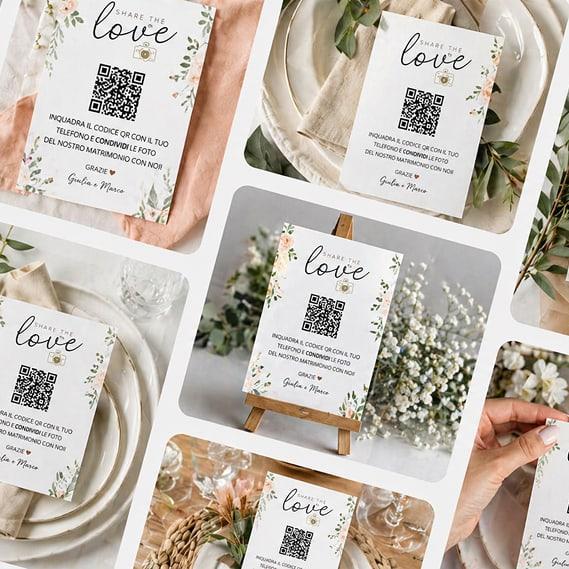
... and so much more
Photos and videos in original quality
No compression: guests upload straight from their camera and you get every file in full resolution, ready to print too.
No app: easy to use
Guests don't need to download any app: they share their memories by tapping the album link or scanning the QR code. Intuitive for everyone.
Only invited guests
Photos are shared only with people who have the link to your event. No public visibility, no unauthorized access.
Safe, protected content
Photos and videos stay available for 30 or 90 days from the event date, depending on your plan. Download them whenever you like, in one click.
How to share your wedding photos with a QR code
In three simple steps, gather all your wedding photos in one shared digital album.
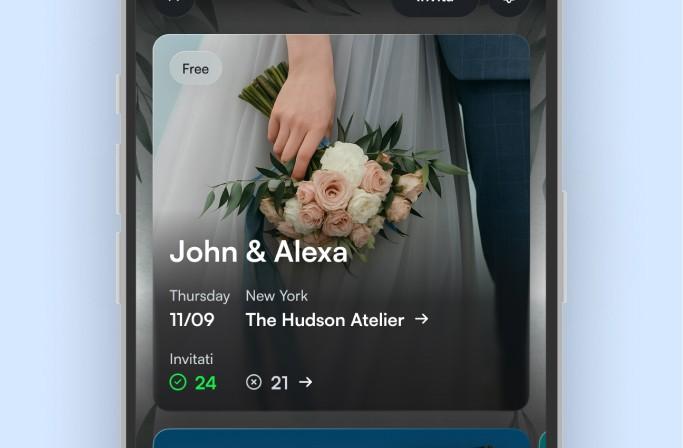
Create your event with Togevent
Create your event on Togevent in minutes: choose the name, venue and date, and customize the cover to make it unique. Your unique QR code is generated automatically in every plan.
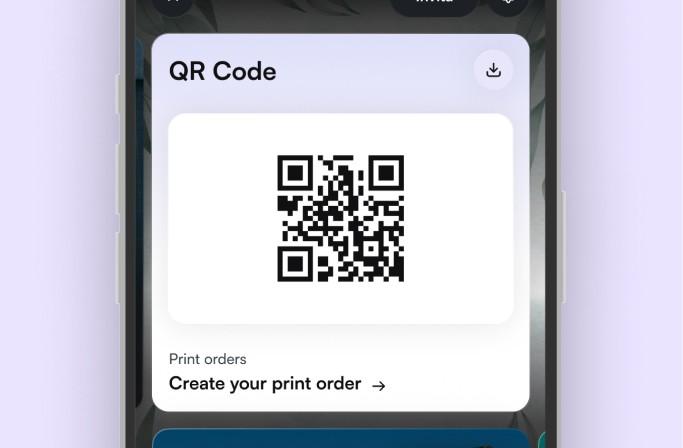
Print and place the QR code
Download the high-resolution QR code and print it on your seating chart or place cards. Or add 25 customizable cards with your event's QR code, delivered ready to use wherever you like.

Collect the photos and videos of your day
Guests scan the code and upload photos and videos straight from their camera. You see everything appear in real time and download all the content in one click.
Guests don't need to download any app
What couples who used Togevent say
From weddings to private parties, here's what people who organized their event with Togevent have to say.
The part I loved most was being able to upload photos and see everyone else's in real time. Each of us captured a moment of the day in our own way, and together we created a shared album full of beautiful moments.
Amalia
Guest at her sister-in-law's wedding

COLLECT YOUR GUESTS' PHOTOS
A QR code for every occasion
See how to gather all your guests' photos and videos in one album, with no app to download and no sign-up. Choose your event and head to the dedicated guide.

Birthday QR code
From the toast to cutting the cake: collect every shot of the party in one place. Guests scan and share in a second.
Explore birthday QR codes
Graduation QR code
The ceremony, the cap toss and the celebrations: relive your day from every angle, with photos and videos from friends and family.
Explore graduation QR codes
QR code for special events
Baptisms, communions, anniversaries or company parties: whatever the occasion, a QR code gathers everyone's memories in one shared album.
Explore event QR codesQuestions about the QR code for your wedding?
Here are the answers to everything you need to know about using a QR code.
A wedding QR code is a code that, once scanned with a smartphone camera, takes guests to your event's shared gallery. It lets you gather all the photos and videos your guests take during the reception in one place, without swapping phone numbers or using WhatsApp groups. With Togevent the QR code is generated automatically when you create your event, in every plan.
No, guests don't need to download any app. They scan the QR code with their phone camera and the event space opens right away in the browser. Simple and instant for everyone.
With the Basic Gallery, photos and videos stay available for 30 days from the event date; with the Full Gallery and with Gallery and Dedicated Space, for 90 days. Before they expire you can download the whole album in one click.
The QR code is generated automatically by Togevent and stays linked to your event space, so guests can access information, RSVPs, the schedule and the shared photo gallery all from one place.
Yes. In every plan guests can upload photos and videos straight from their camera, without downloading any app. Videos can be up to 2 minutes long with the Basic Gallery and up to 5 minutes with the Full Gallery and with Gallery and Dedicated Space.
Once you've customized your template you can add printing, an add-on service for €59 available with every plan: you receive 25 cards with your event's QR code, shipping included. Enter your contact details and shipping address, place the order and receive them within 10 business days.
The templates are printed in A5 format on linen-textured paper. They're optimized in high resolution, with formats and margins designed for crisp, professional printing. The QR code is always exported at a readable size, so every guest can scan it without any trouble.
Your event. One space.That's it.
Togevent is the digital space for your event: one link with guest information, the schedule and the shared gallery. Guests join from the browser, without downloading any app.
You only pay when you decide to share it
A fantastic app that makes organizing events child's play
Gianlucaspat