
Plan your wedding in one space, no app to download
RSVPs, a shared photo gallery, the day's schedule and your gift list. All in one link that works in the browser. Your guests don't have to install anything.
Plan, share and enjoy your special day stress-free.
Guests don't need to download any app
- You pay just once, when you decide to share the link.
Rated Excellent by couples
Create your wedding space in under a minute
It only takes a few seconds. No complicated forms, no technical setup: open Togevent in your browser, pick a name and your wedding starts taking shape.
In a few minutes you have a space ready to share, where you can collect RSVPs, create your shared wedding album and add all the information your guests need.
Everything works in the browser and there's nothing to install. Guests join with a link, from their phone or computer. So you can focus on what matters: enjoying every moment.
Romantic, modern or minimal? You choose the style
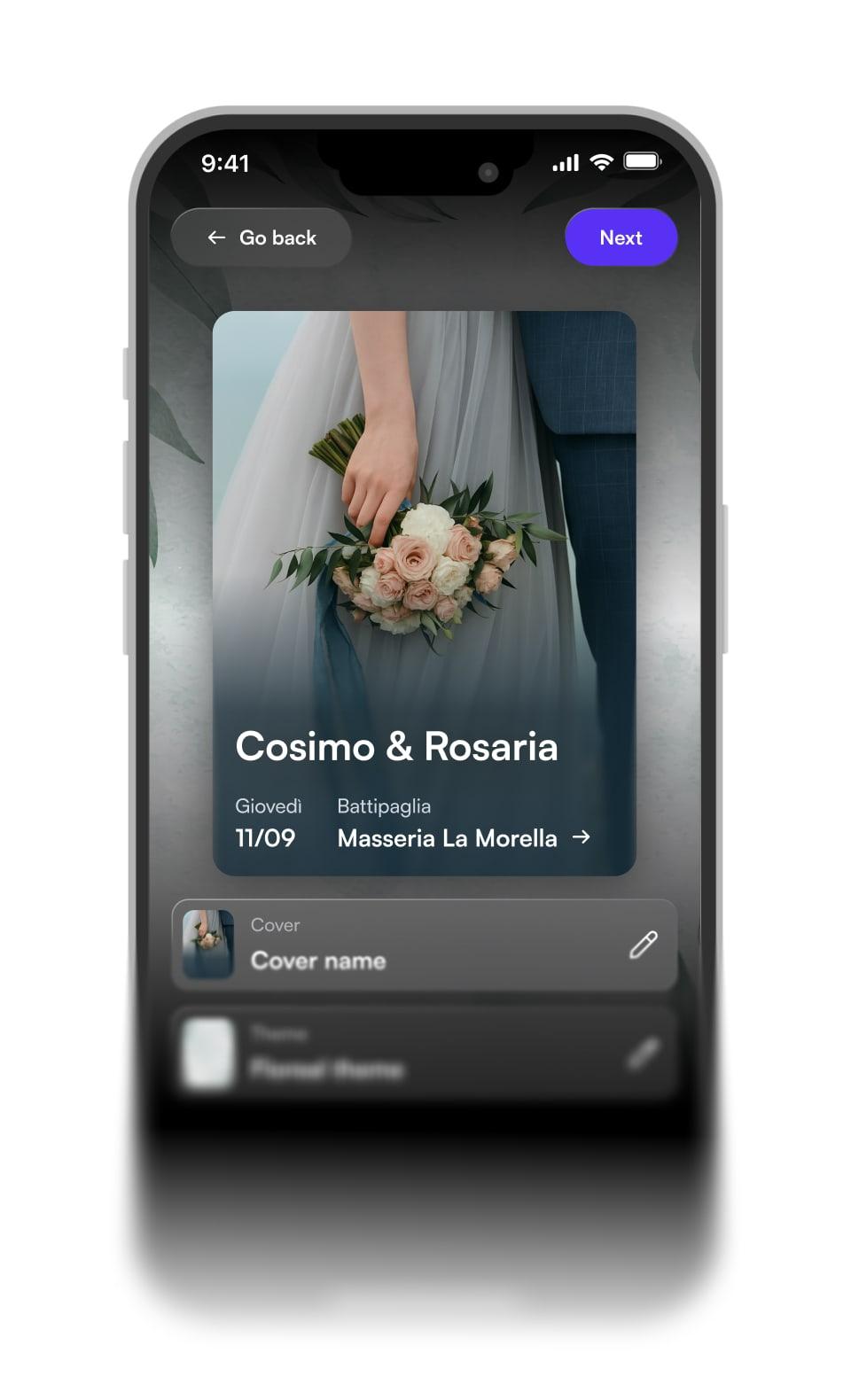
Customize the look of your wedding space in minutes, right from your browser.
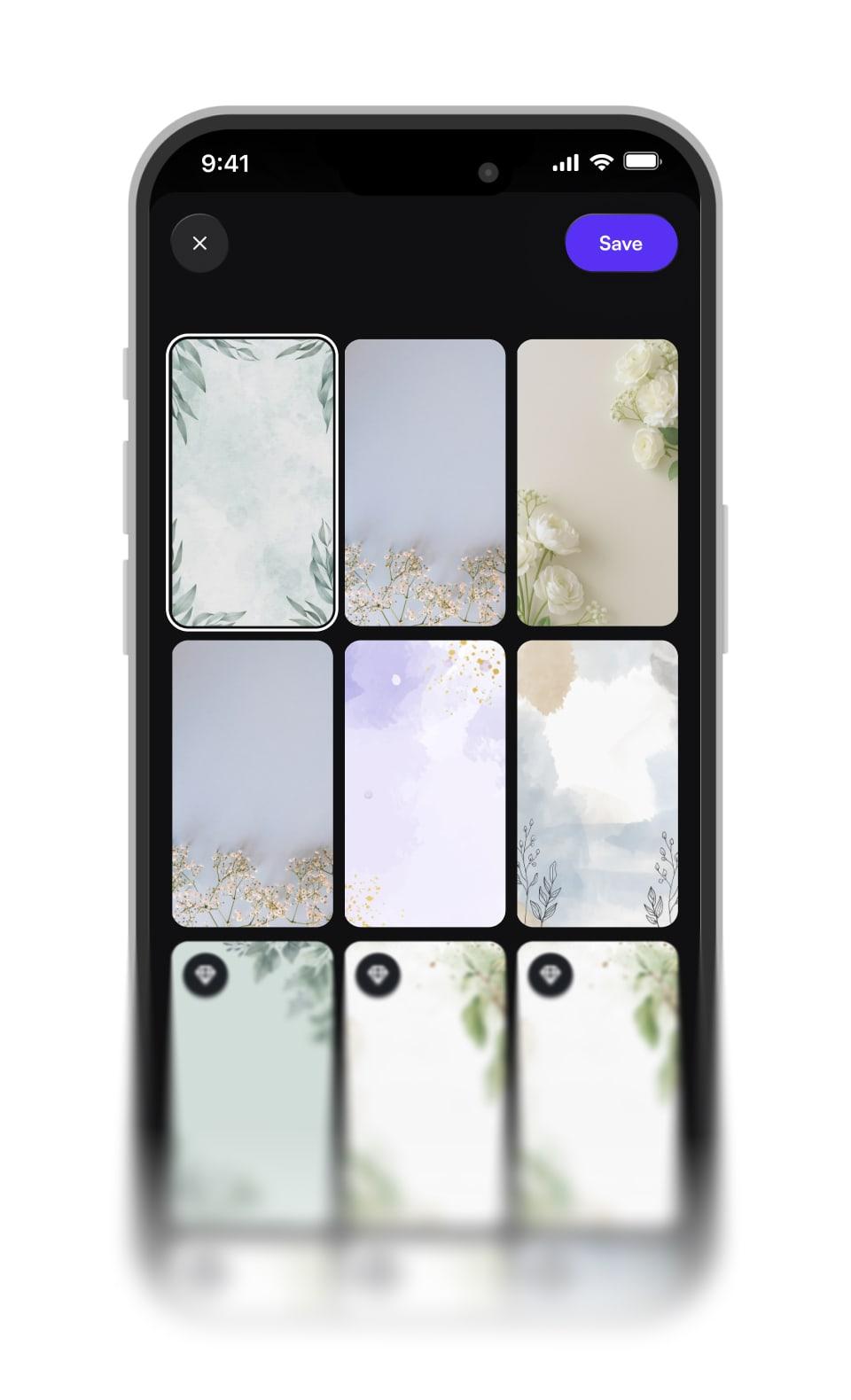
Pick a theme that feels like you, add a cover image and photos, and organize the sections with the information your guests actually need.
Unlike a standard wedding website, here you build a tailor-made space that's elegant and tidy. Schedule, RSVPs, shared gallery and announcement board always match your style. Guests join with a link, without downloading any app.
All your guests connected, no confusion
No more messages scattered across WhatsApp groups, emails and phone calls. With Togevent you have one single point of reference: times, venues, RSVPs and updates, always in sync.
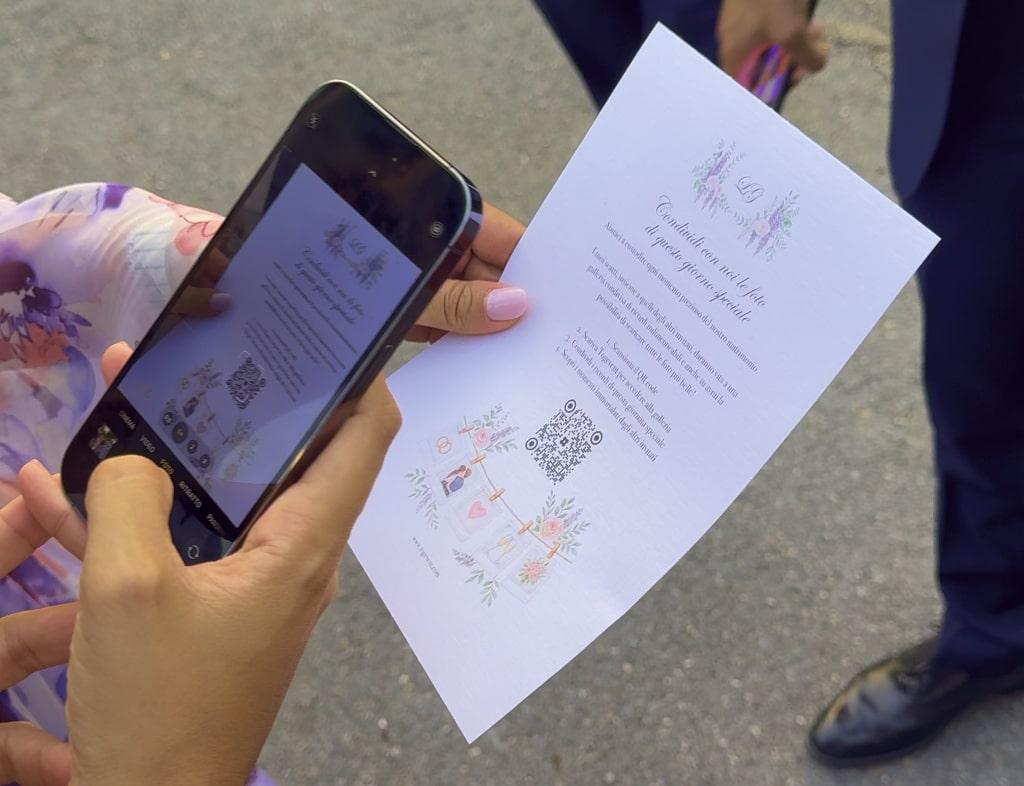
You can share a QR code with the event link. Guests scan it and enter your wedding space, where they upload photos throughout the day and find them all together.
You always have the full picture of who has confirmed, who still needs to reply and who needs more information. And after the party you download the photos in one click, without hunting for them in chats.
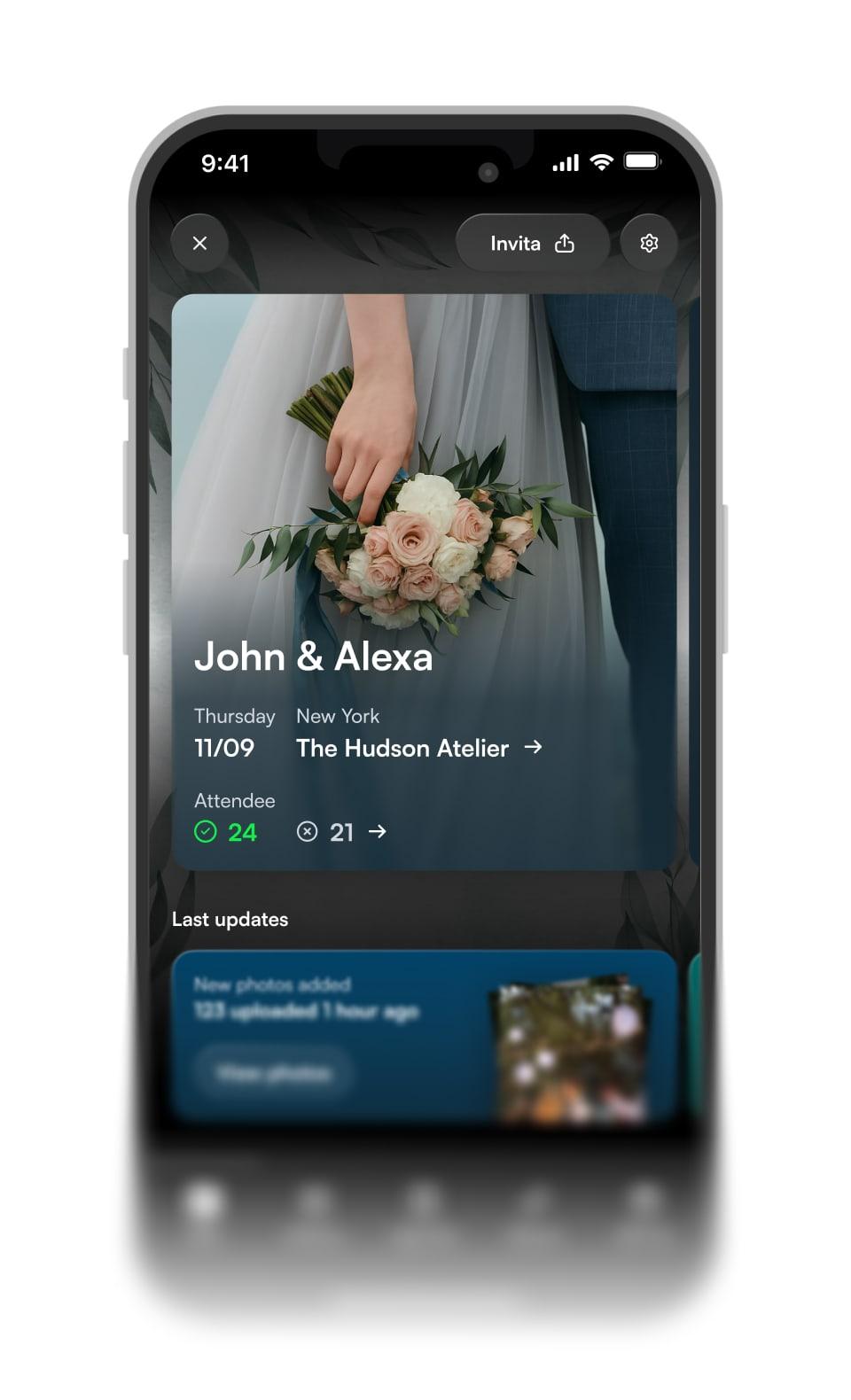
Event space
Your whole wedding in a single link
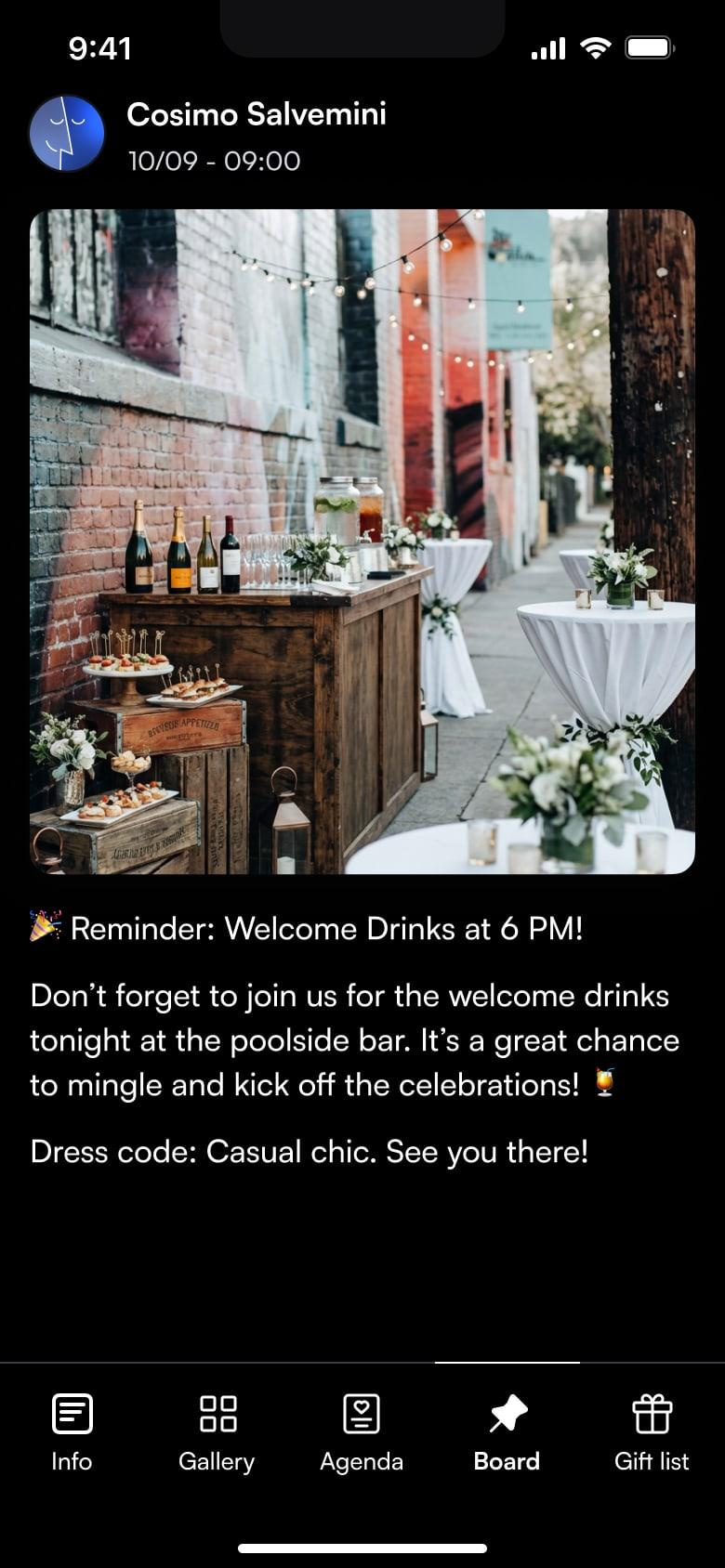
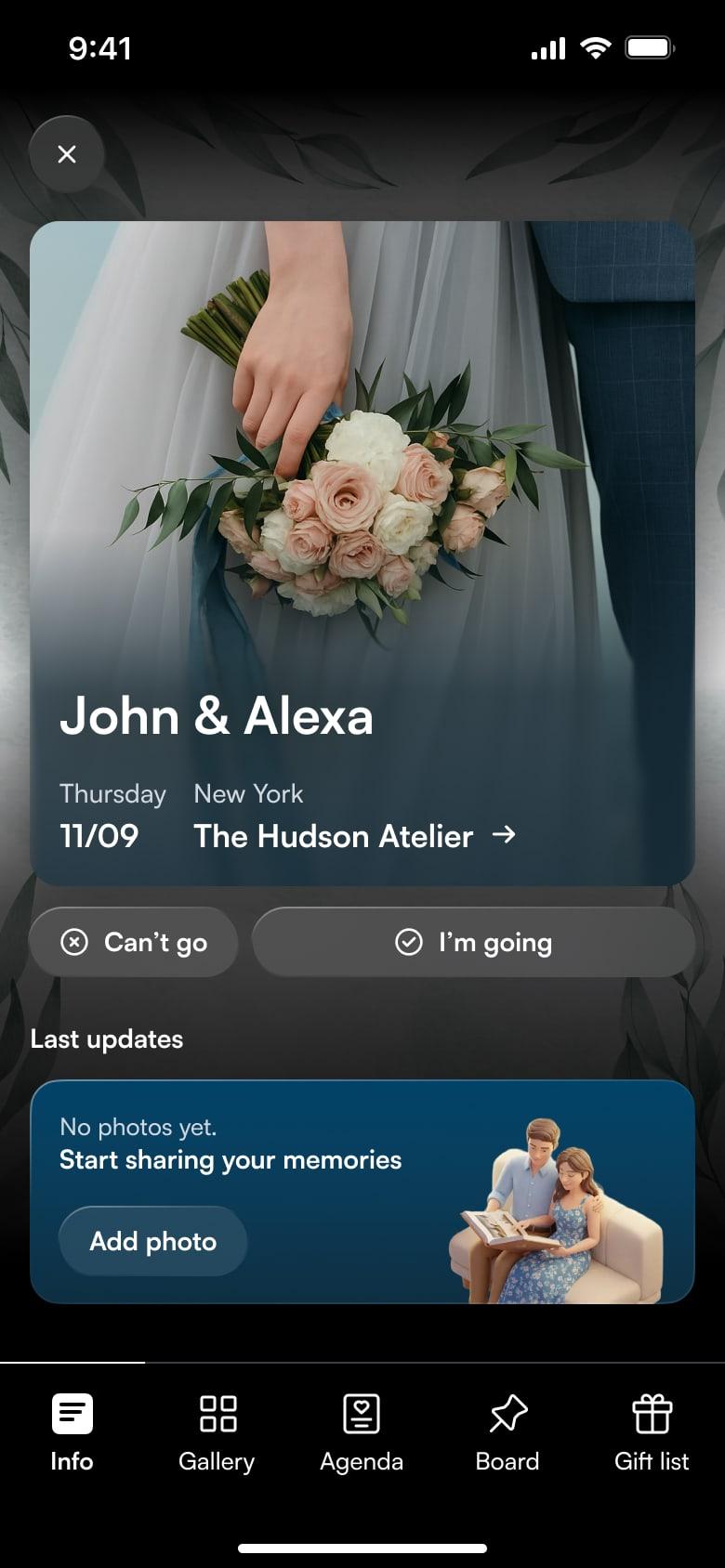
The Dedicated Space is your wedding's digital home. Inside you'll find guest information, the day's schedule, the announcement board, RSVPs and the gift list.
Guests open one link and see everything they need, updated in real time. You update it once and never have to repeat the same thing ten times.
Shared gallery
Every guest's photos, in one album
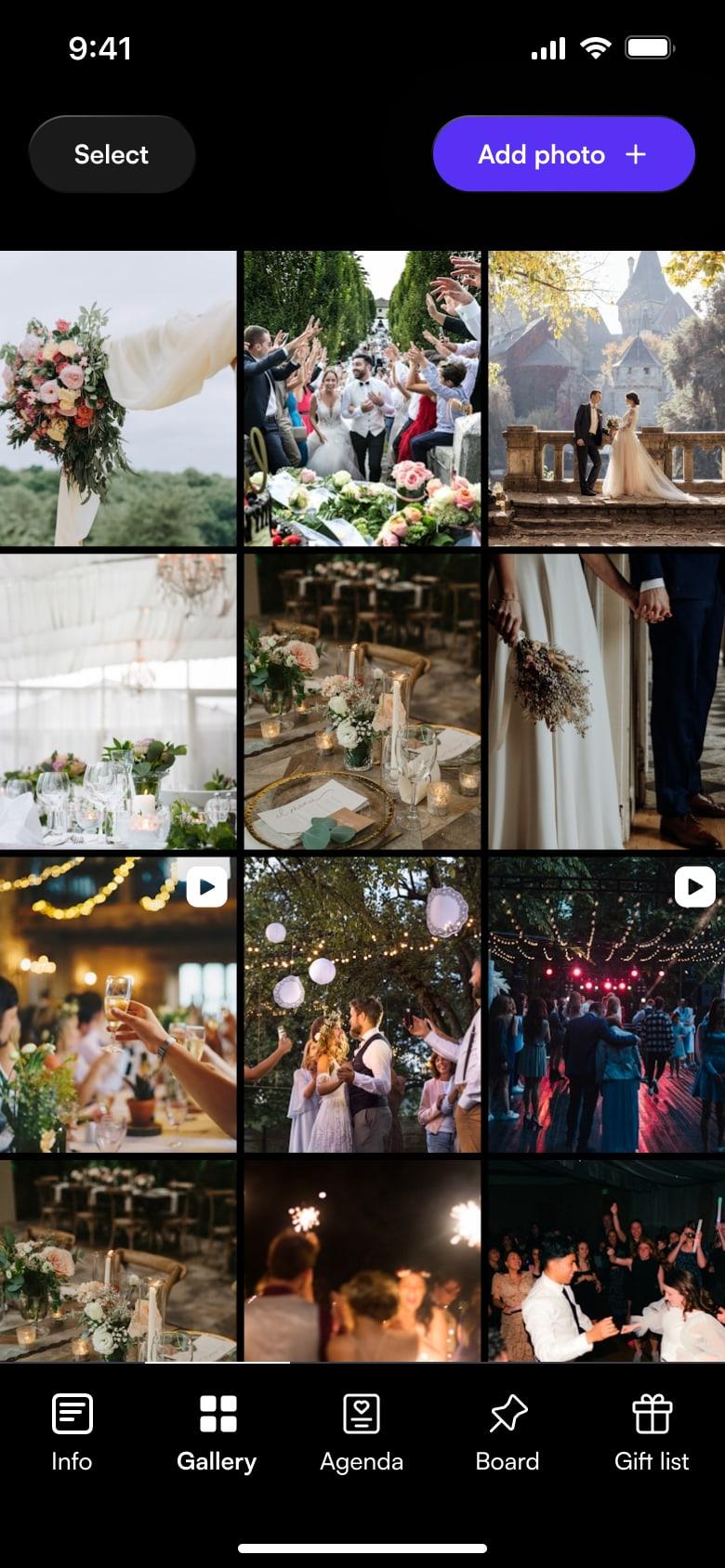
The shared gallery collects the shots of everyone who was there. Each guest uploads photos and videos from their phone's browser, by scanning the QR code or opening the link, and can download everyone else's too.
No files scattered across chats and no quality lost to compression. At the end, you download the whole album in one click.
How the shared gallery worksThe tools to plan and manage your wedding stress-free
From the guest list and RSVPs to real-time photo sharing, with Togevent you can plan your wedding and bring everything together in one space you open in the browser.Guests find all the information and can collect and share the best memories, without downloading any app for your wedding photos.
Shared gallery
Every guest's photos, in one shared album
Guests upload photos and videos as the day unfolds, and can download everyone else's too. Print or share your event QR code: guests scan it and land straight in the album, from their phone's browser, without downloading any wedding photo app.
So you relive every moment, from the getting-ready shots to the ceremony videos, all in the same place. Photos stay in their original quality, not compressed like in group chats.
How the shared gallery works
Browser uploads, access with a link and your event QR code: all the details.
Read the guideHow to use a QR code at your wedding
One unique code that gives access to the gallery and your whole wedding space.
Read the guide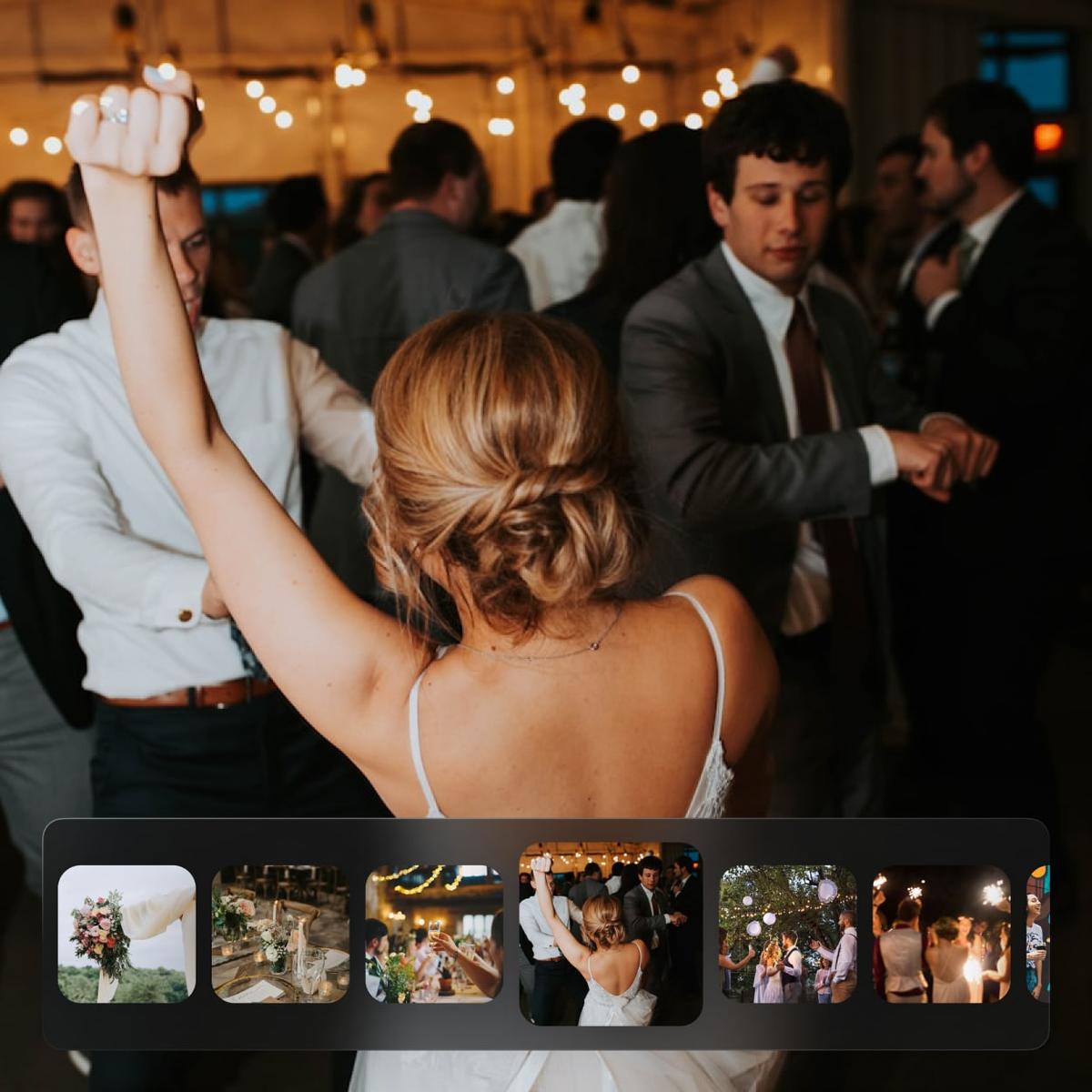
RSVP
Know who's coming, without chasing anyone
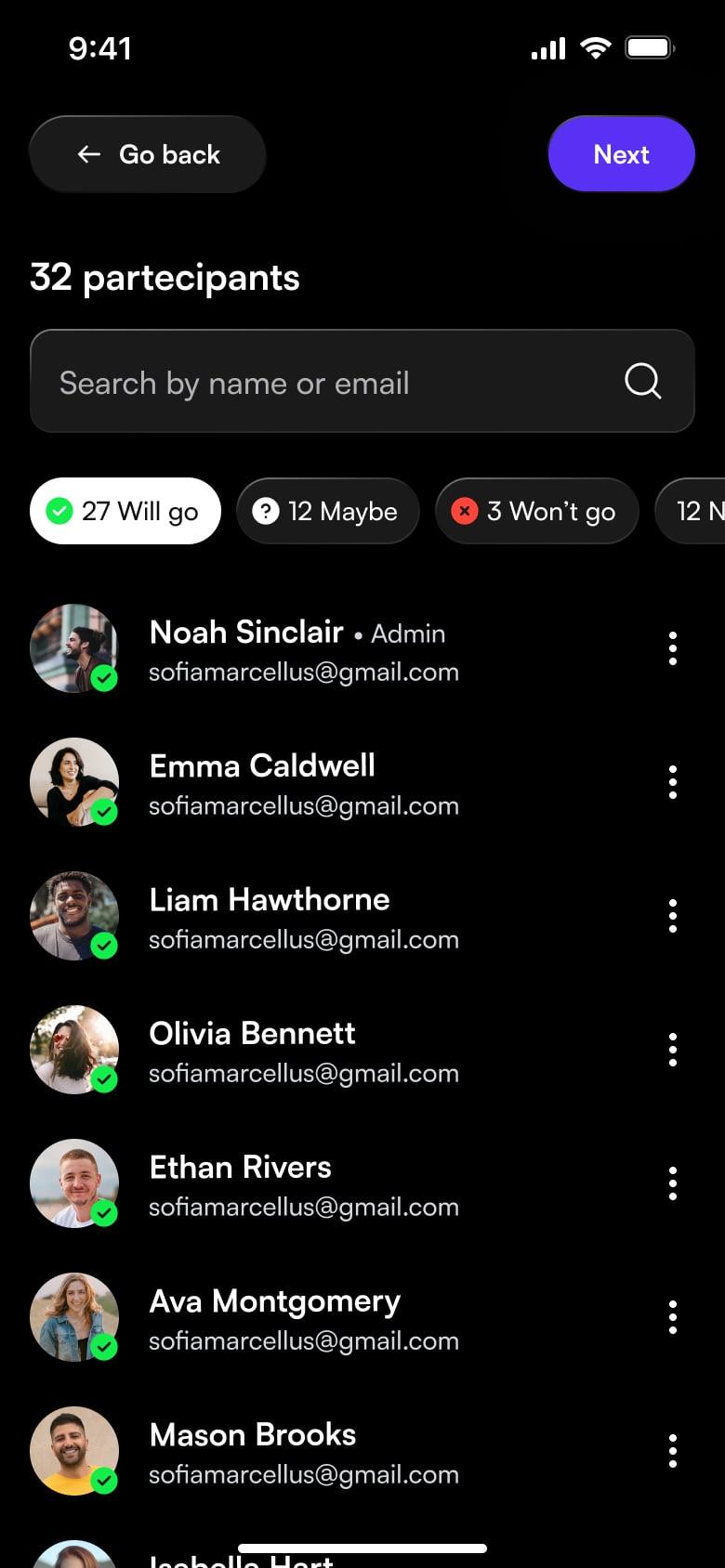
Guests RSVP in one click, from your wedding link. They tell you who's coming with them and flag any food intolerances or allergies, so you have the numbers ready for the caterer.
You always see, in real time, who has replied and who hasn't yet. No lists to update by hand, no repeated questions in group chats.
How to manage wedding RSVPs
Collect replies, manage plus-ones and keep the numbers up to date for the caterer.
Learn moreSchedule
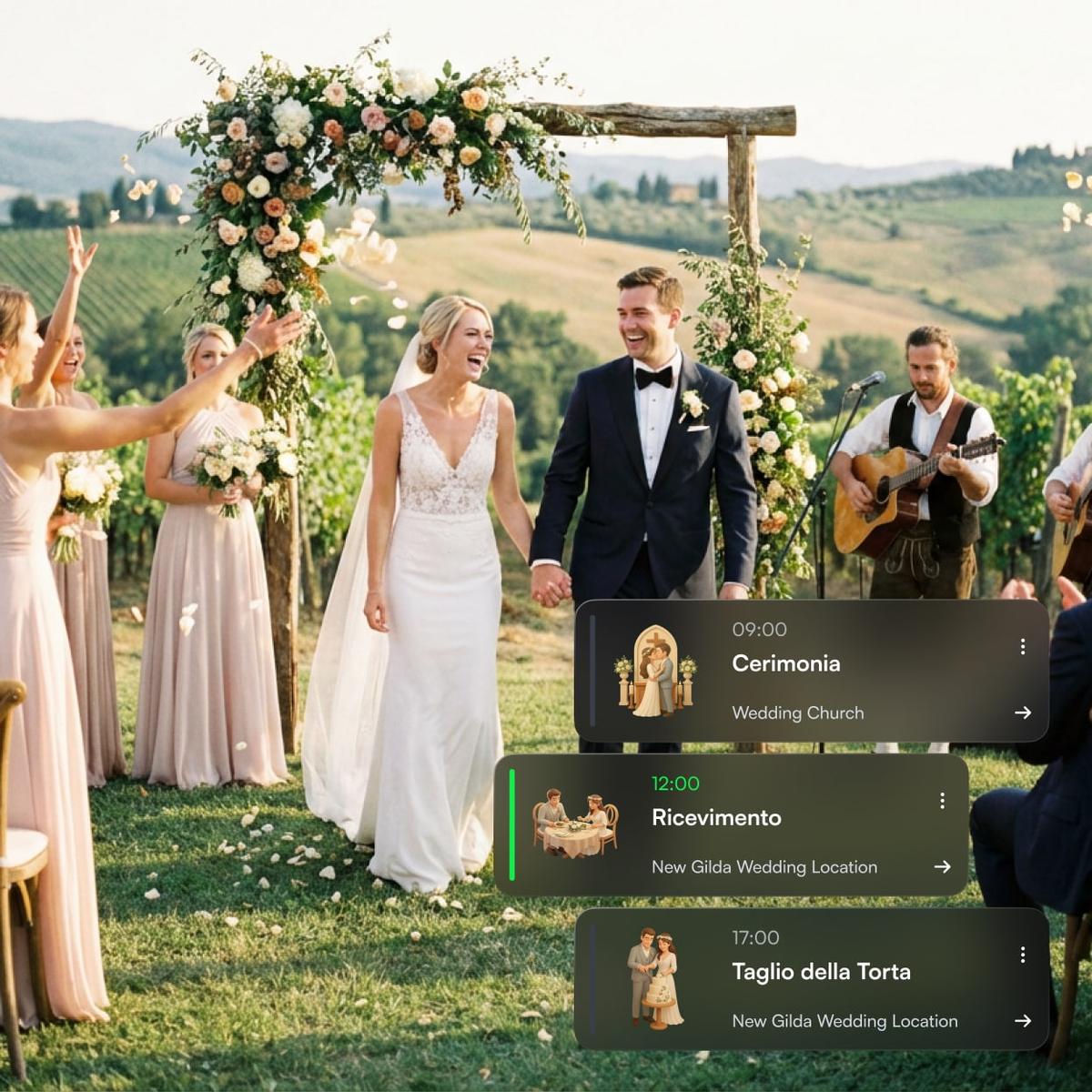
A schedule with clear times and venues for everyone
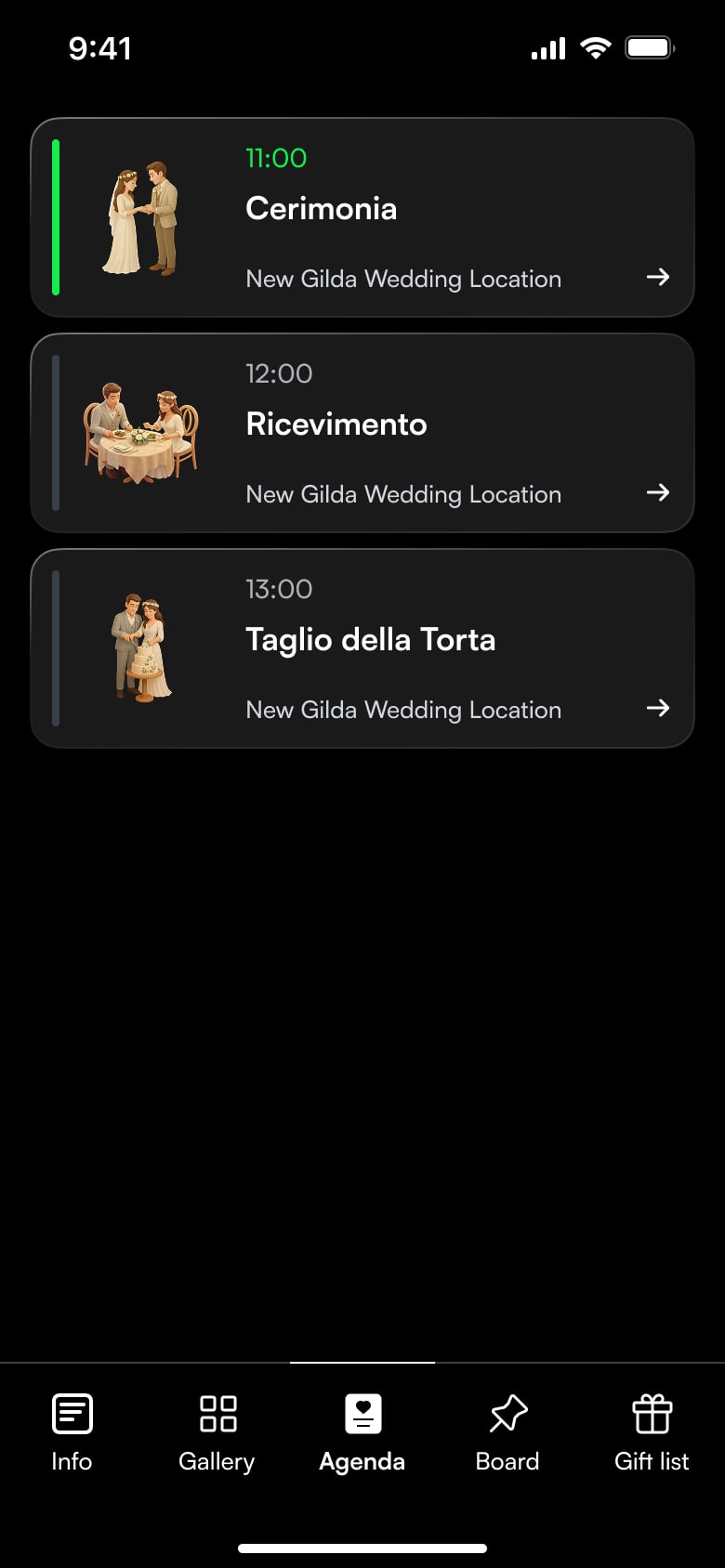
Ceremony, cocktail hour, dinner, cake cutting: every moment has its own time and place. With the shared schedule, guests know where to be without having to ask you.
Update the schedule whenever you like, from your browser, and the change is instantly visible to everyone. Fewer last-minute questions, more peace of mind for you and your guests.
Gift list
A simple, tactful way to manage your gift list
Whether it's a wedding registry, a honeymoon fund or your bank details, everything is shared clearly and discreetly. Guests find the information without awkwardness and you avoid uncomfortable conversations.
Update the section whenever you like: add new wishes, change the instructions or thank those who have already contributed.
Digital wedding registry: how to share bank details and gift ideas without awkwardness
What to write, where to put it and how to phrase the request without making anyone uncomfortable.
Learn more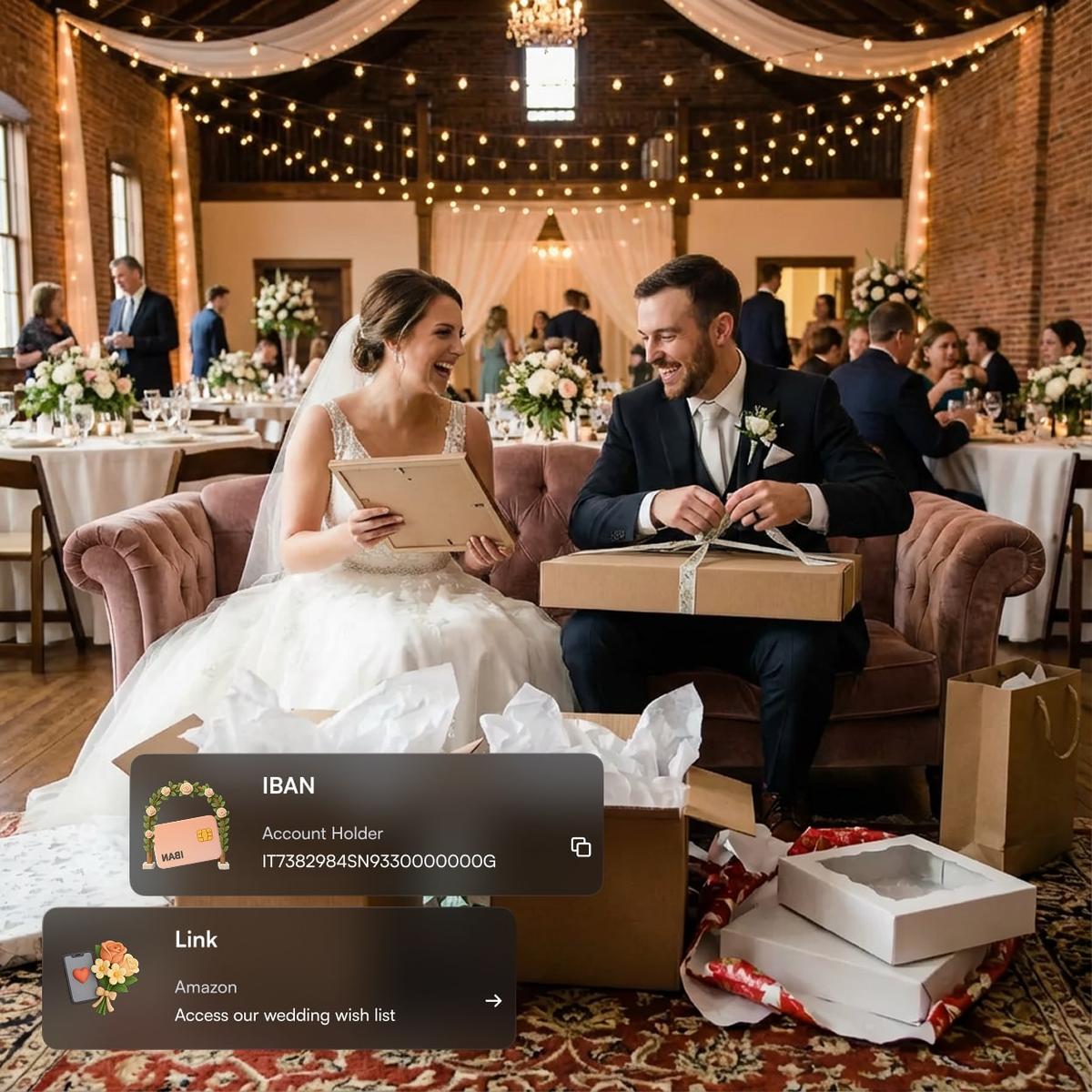
Start for free. Pay when you decide to share
Create your wedding space, choose the theme and preview it without paying a thing. Payment only comes when you're ready to send the link to your guests.
Plans start at €29.99.
One-time payment, no subscription and no automatic renewal.
What couples who used Togevent say
Weddings, graduation parties, birthdays and private celebrations: see how Togevent made planning easier and improved the guest experience.
The part I loved most was being able to upload photos and see everyone else's in real time. A truly special idea. I'll recommend it to anyone who has an event to plan!
Claudio
The bride's witness

Have questions?
Everything you need to know about Togevent
Togevent is your wedding's digital space: RSVPs, a shared photo gallery, the day's schedule, an announcement board and a gift list in a single link. You create your event in under a minute and share it with a link or a QR code. Nobody has to download any app: everything opens in the browser.
Guests open the wedding link and RSVP in one click. They tell you who's coming with them and flag any food intolerances. You see in real time who has replied and who hasn't, without keeping separate lists.
Yes. The schedule holds as many moments as you like: ceremony, cocktail hour, dinner, cake cutting, party. Each item has a time and a place, and you can update it at any time. Changes are instantly visible to your guests.
In the gift list section you can add a wishlist, a honeymoon fund or your bank details. Guests find it inside your wedding space, together with the rest of the information, and read your instructions without having to ask.
Yes. Every guest uploads photos and videos to the shared album from their phone's browser, by scanning the QR code or opening the link. They can also download everyone else's shots. Files stay in their original quality, without the compression of chat apps.
Yes, at any time and from any device. You update it once and all your guests instantly see the correct version. For urgent announcements there's the announcement board, which stays visible to everyone.
Your wedding space can only be reached by people who have the link or the QR code, and it isn't indexed by search engines. Photos stay in your event album and are not used for any other purpose. Nebula srl processes data in compliance with the GDPR.
Creating and customizing your space is free. You pay just once, when you decide to share the link with your guests. Plans start at €29.99, with a one-time payment: no subscription and no automatic renewal. You'll find all the plans at togevent.com/pricing.
No. Togevent works in the browser, on phones and computers. Guests open the link or scan the QR code and get in right away, without installing anything or signing up.
Your wedding. One space.That's it.
Togevent is the digital space for your event: one link with guest information, RSVPs, the announcement board and the shared photo gallery. It works in the browser, without downloading any app. Simple, clear, stress-free.
You only pay when you decide to share it.