Wedding
Digital wedding registry: how to share bank details and gift ideas without awkwardness
Learn how to create a digital wedding registry and share your bank details and gift ideas with guests in a simple, elegant, awkwardness-free way.
 Fede from Togevent

Planning a wedding also means tackling a topic that trips up almost every couple: how do you tell your guests where and how to give you a gift?
Some couples go for a classic store registry, some prefer to ask for a cash contribution toward the honeymoon, and some simply don't know where to start. Then comes the question that divides everyone: should you put your bank details on your wedding invitations or not?
If that sounds familiar, you're in the right place. In this article we'll look at how to manage an online wedding registry, how to share your bank details elegantly and how Togevent can simplify everything in just a few minutes.
The bank details dilemma on wedding invitations
Let's be honest: including bank details on your wedding invitations is a topic that sparks very different opinions. On one hand, it's a practical choice, convenient for guests who want to send a bank transfer as a wedding gift without hunting for the right store or guessing the couple's taste. On the other, it can come across as less than elegant, especially if it isn't presented the right way.
The point isn't whether it's right or wrong. The point is how you communicate it.
Printing your bank details on a small card next to the invitation can work, but it risks feeling cold and blunt. Putting them on a dedicated digital page, on the other hand, completely changes how it's perceived: guests find them in a richer context, alongside all the useful information about the event, and the request feels natural and discreet.
Online wedding registry: the elegant, practical alternative
A digital wedding registry for your wedding solves the problem at its root. You don't have to choose between bank details and a store registry: you can offer both options (and more) in a single space, accessible with a link or a QR code.
With a Togevent wedding registry, guests can:
browse the available gifts whenever they like, from their phone or computer
choose whether to contribute with a bank transfer, buy from an online store or stop by a physical shop
coordinate with each other without endless messages in group chats
For the couple, the benefit is just as clear: no phone calls to explain where to find the registry, no links scattered across WhatsApp, no confusion. Everything in one place, updated in real time.
How the wedding registry works with Togevent
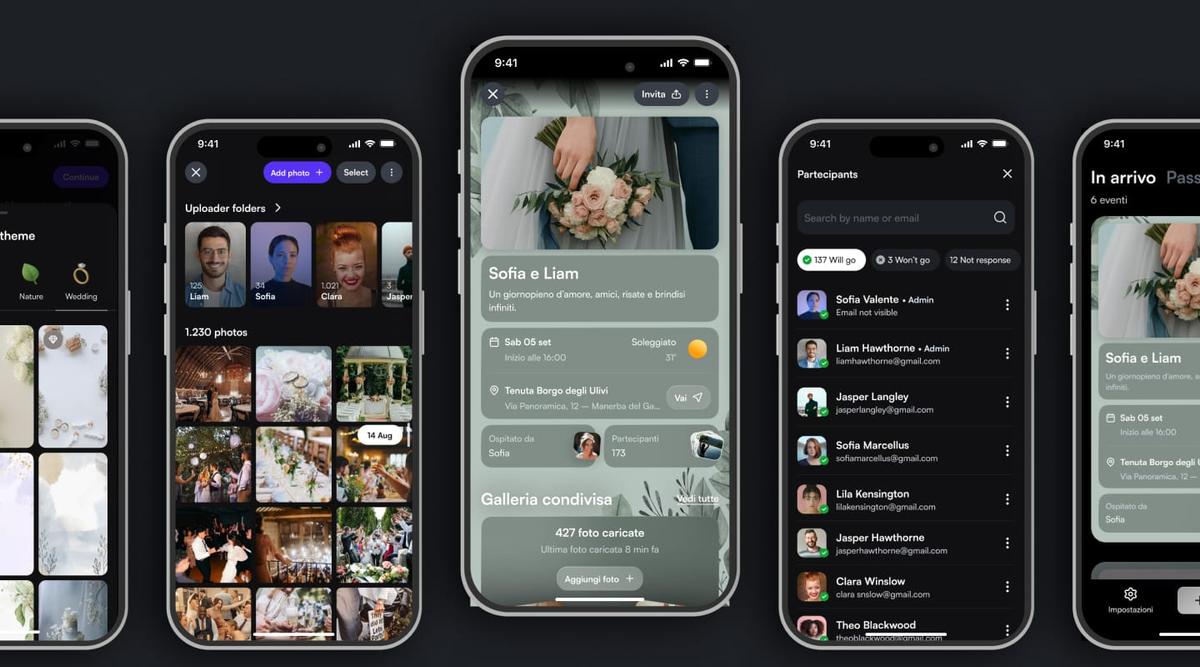
Togevent has introduced a feature designed specifically to make managing your wedding registry simple, flexible and integrated with everything else about your event. Here's how it works:
Create your event on Togevent and get a dedicated digital space, with a shareable link and all your wedding information in one place.
Set up your wedding registry by choosing how you'd like to receive gifts: you can add your bank details for transfers, add a link to an online store or list the address of a physical shop. You can also combine several options.
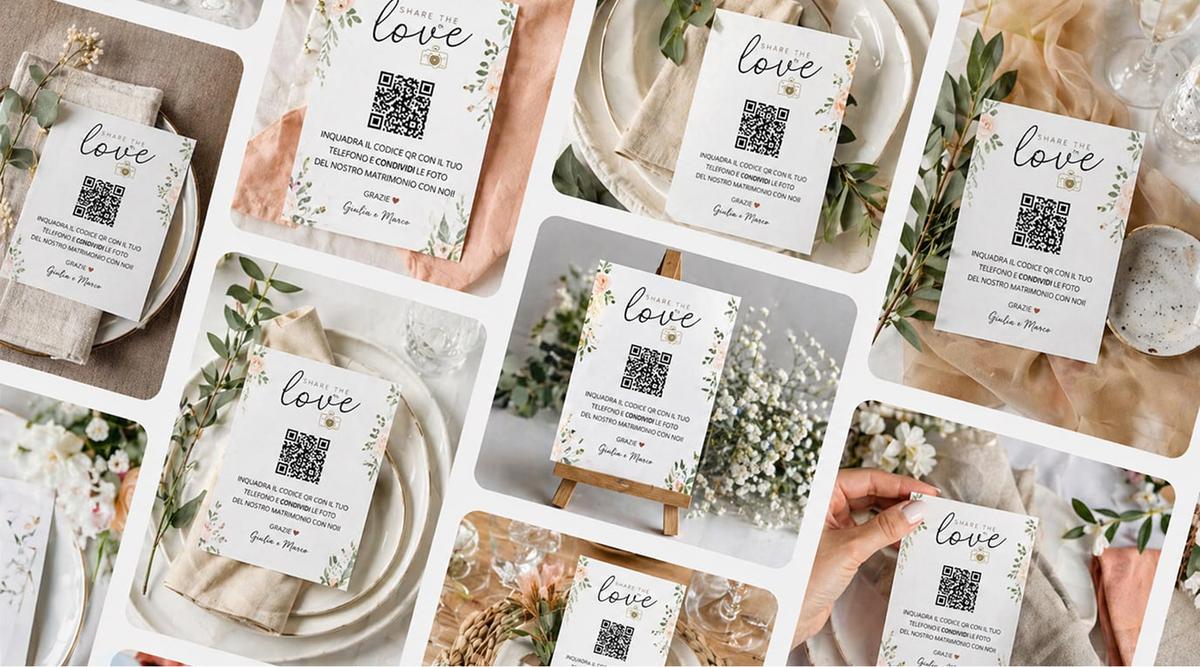
Share the link or the QR code with your guests: one scan or one click and everything is at their fingertips.
The best part is that the wedding registry doesn't live in isolation: it's part of the same space where guests find the schedule, times, venue details, the shared photo album and real-time updates. No app to download, no complicated sign-ups.
Bank details, link or physical store: choose how to receive gifts
One of the most appreciated things about the Togevent wedding registry is its flexibility. You don't have to pick just one channel. You can:
Add your bank details for guests who prefer a bank transfer (perfect for contributing to the honeymoon or a shared project)
Add a link to an online store for guests who want to choose a physical gift
List a physical store with its address and contact details, for guests who prefer the personal touch
This way every guest picks the most convenient option, without feeling awkward and without having to ask for more information. The result is a smoother experience for everyone.
What guests see (and why it works)
After scanning the QR code or clicking the link, guests land in a complete, well-organized space. They don't just find the wedding registry, but a true space dedicated to your wedding:
Wedding registry with all the available options (bank details, online store, physical shop)
Event details in one place: times, venue, practical directions
Shared album to upload and browse the wedding photos
Schedule and agenda so everyone knows what's happening and when
Announcement board for last-minute updates
All this without downloading an app. Guests get in within seconds, from any device. And it's exactly this simplicity that makes the difference: the easier it is to find information, the more actively guests take part.
Practical tips for managing your registry and bank transfers stress-free
Here are a few tips to make the most of your digital wedding registry:
Let guests know ahead of time that they'll find everything on Togevent: a simple WhatsApp message with the link is all it takes
Choose a natural phrase to introduce the registry, without overly elaborate wording. Something like "If you'd like to give us a gift, you'll find all the info here" works perfectly
Don't stop at bank details: offering several options makes the experience more inclusive and eases the awkwardness for guests who aren't comfortable with a direct bank transfer
Fede from Togevent