Wedding
The best wedding photo sharing apps: a real comparison of 2026's options
A hands-on comparison of apps for collecting wedding photos from your guests. Pros, cons and which one to choose based on your guest count and budget.
 Fede from Togevent
The wedding is over, the memories are still vivid and you'd love to relive every moment, including the ones you missed while you were busy between one toast and the next. You know your guests took hundreds of photos; you saw them do it. The problem is getting them back.
Some posted them in their stories, long gone by now. Others sent them on WhatsApp in heartbreakingly low quality. The rest promise to send them "tomorrow," but that tomorrow never comes. In the end, your guests' photos stay scattered across dozens of phones, and you're left with a handful of official shots and a lot of nostalgia.
If you're planning your wedding and want to avoid this scenario, the good news is that there are now several apps and platforms designed specifically to collect wedding photos. The bad news? They don't all work the same way, and choosing the wrong one can create more problems than it solves.
In this guide we compare the most popular solutions with a practical approach: no sponsored rankings, just real pros and cons based on what actually matters when you have 80, 100 or 150 guests with different smartphones and very different levels of tech savvy.
What to look for in a wedding photo app
Before we get to the comparison, it's worth clarifying which criteria really make a difference. Not all apps are created equal, and a detail that seems minor on paper can become decisive on the wedding day.
Ease of use for guests
This is by far the most important point. If the app requires downloading something, creating an account or following complicated steps, a good share of your guests simply won't use it. Think of your aunts and uncles, your grandparents, your less tech-savvy friends: the system has to work for everyone, not just for people who are comfortable with apps.
The ideal solution? Direct access from the browser, ideally via a link or a wedding QR code. One scan, the page opens, photos and videos get uploaded. Done.
Photo and video quality
Many platforms compress images during upload. The result? Photos and videos that look perfect on a phone screen but turn grainy when you download them to print or make an album. Always check whether the platform keeps the original quality or applies automatic compression.
Storage, cost and duration
Some apps offer free plans with very tight limits: a few dozen photos, access for just 7 days, reduced features. Others require monthly subscriptions or expensive packages. The key is figuring out what you really need: for an average wedding, you need unlimited (or nearly unlimited) uploads, at least a few months of access and the ability to download everything in one go.
Privacy and moderation
Do you want anyone to be able to see every photo uploaded? Probably not. A good system lets you moderate content, protect access with a PIN or an invitation and decide what's visible. Privacy matters even more at a wedding, where there are children, private moments and guests who don't want to show up everywhere.
The most popular solutions compared
Let's get to the actual comparison. For each platform, we look at its strengths and its concrete limitations.
Togevent: much more than a wedding photo app
via togevent.com
If you've read this far, you'll have noticed a pattern: most solutions solve only one piece of the puzzle. Some handle photos well but aren't available in your guests' language, some are free but compress images, some offer advanced features but at a hefty price.
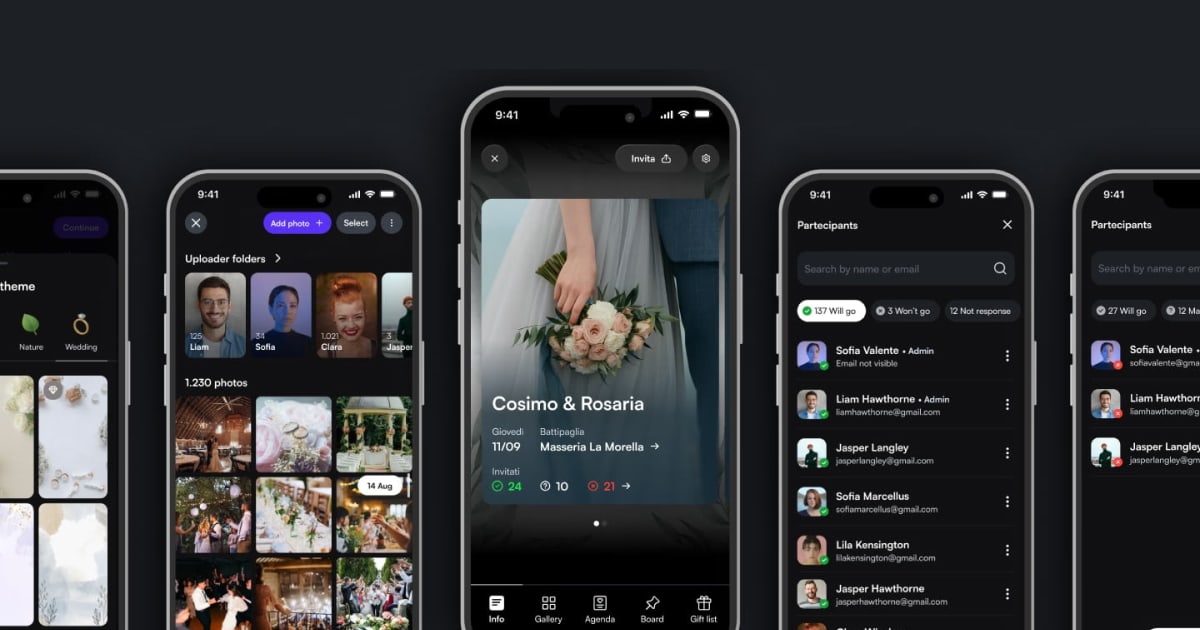
Togevent was built on a different idea: creating a gallery or a single digital space for the whole wedding, where photo collection is just one of the available features. You don't have to choose between one app for photos, one for information and another for the wedding registry. With Togevent, everything lives in the same place.
Here's what sets Togevent apart from the alternatives:
No app needed for guests: all it takes is a link or a QR code. The browser opens, the photos get uploaded. It works on any smartphone, iPhone or Android, with no downloads and no sign-ups.
Real-time shared album: photos arrive as they're taken. The album builds itself during the party, with the perspectives of all your guests.
Multilingual interface: this is no minor detail. When your less tech-savvy guests need to upload a photo, every word in their own language counts.
Complete event management: beyond photos and videos, you can share the schedule, manage guests and RSVPs and handle the wedding registry. All from a single point of access.
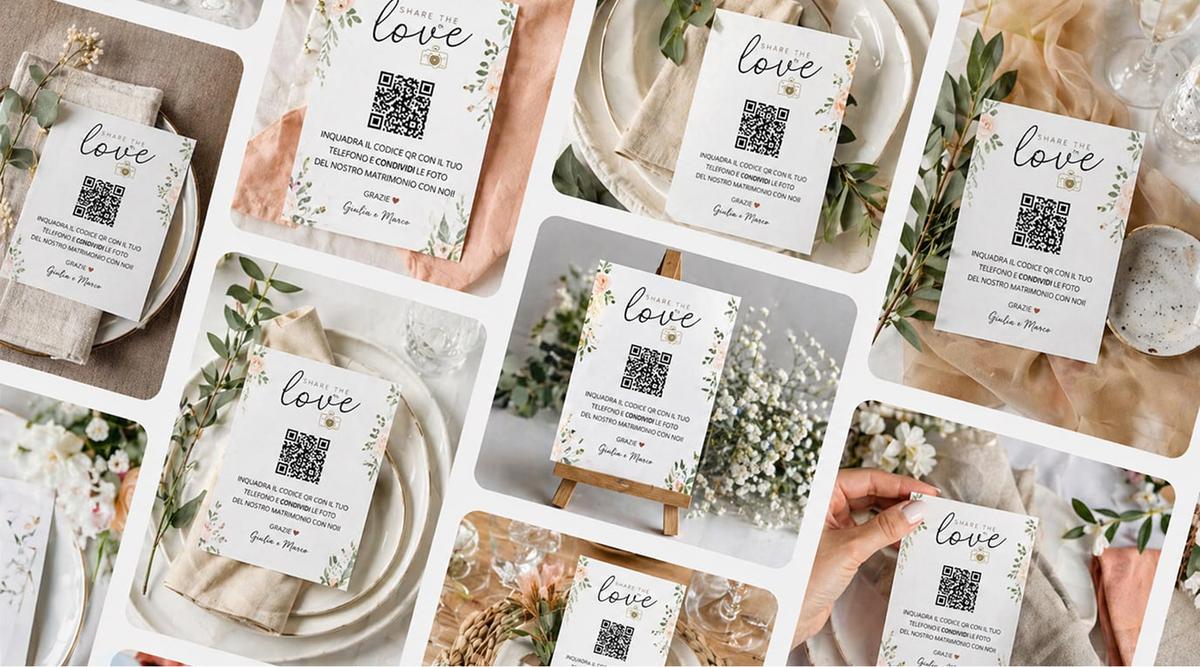
Dedicated QR code: with Togevent you get a unique QR code to print on the tables, on your invitations or at the venue entrance. You can also design and print custom cards with your event's QR code: choose a ready-made template, adapt it to your style and have it delivered to your door. One less detail to organize, already matched to your wedding.
The main advantage? You're not adding another app to your to-do list. You're creating your wedding's digital space, and photos are a natural part of it. Your guests scan a single QR code or open a link and find everything: photos, schedule, practical details, announcement board.
That means less confusion and more memories collected, because the path to uploading them is super simple.
Google Photos and shared albums
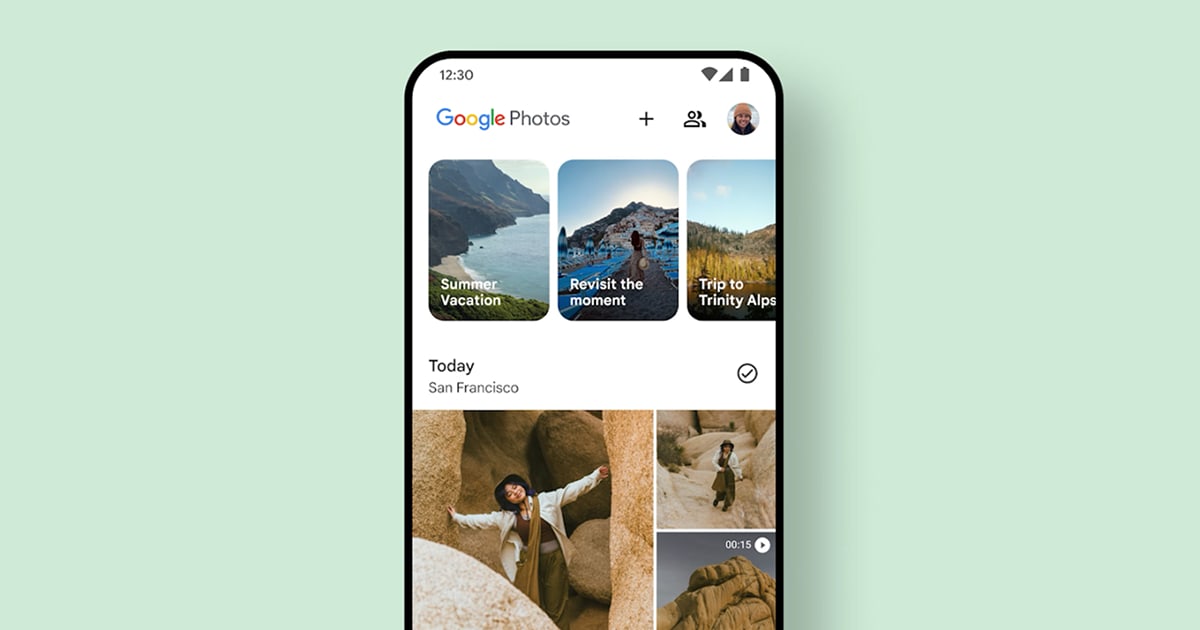
via Google Photos
The first idea that comes to mind for many couples: create a shared wedding album on Google Photos and share the link.
Pros:
Free (up to 15 GB of storage shared with Gmail and Drive)
Almost everyone already has a Google account
Good photo quality if you choose original-quality backup
Cons:
Guests with iPhones often don't have Google Photos installed and have to download it
Uploading requires a Google account and sign-in: many guests give up at this step
The album gets chaotic with many contributors, with no way to moderate
No native QR code, no event management, no announcement board
Storage is shared with email and Drive: it fills up fast
It works well for small groups and younger guests, but shows its limits with large numbers or less tech-savvy guests.
WhatsApp and dedicated groups
The most obvious alternative: a WhatsApp group where everyone sends their photos.
Pros:
Everyone has it
Zero setup
Completely instant
Cons:
WhatsApp heavily compresses images: photos visibly lose quality
With 80-100 guests the group becomes unmanageable, between notifications, messages and off-topic photos
There's no way to organize photos by moment or moderate content
Downloading every photo one by one is slow and frustrating
No central backup: if someone leaves the group, their photos stay on their phone
For collecting a few quick shots among close friends, it's perfectly fine. As the main system for a wedding? Definitely not.
WedShoots
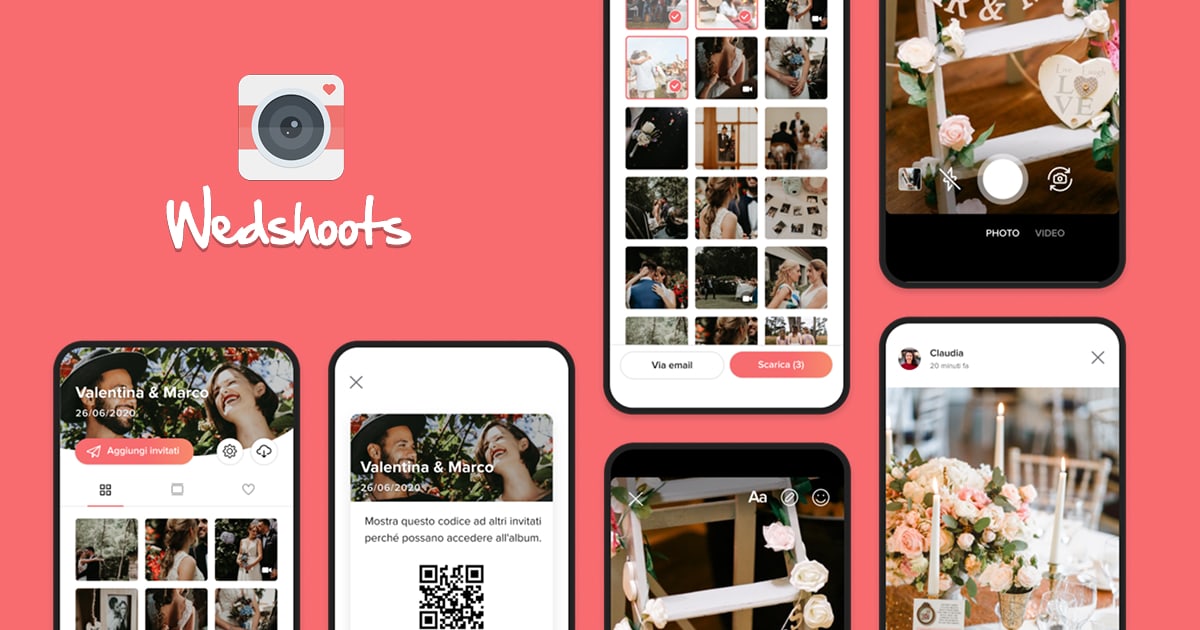
via wedshoots.com
One of the first apps entirely dedicated to wedding photos. It requires a download on iOS and Android and creates a private album linked to the event.
Pros:
Designed specifically for weddings
Lets you create an event website
Download of the entire album
Cons:
Requires downloading the app: a real barrier for many guests
The interface isn't always intuitive
Development seems to have slowed in recent years, with infrequent updates
Limited features compared to newer platforms
A pioneering option, but one that looks dated today compared to the alternatives.
Dots Memories
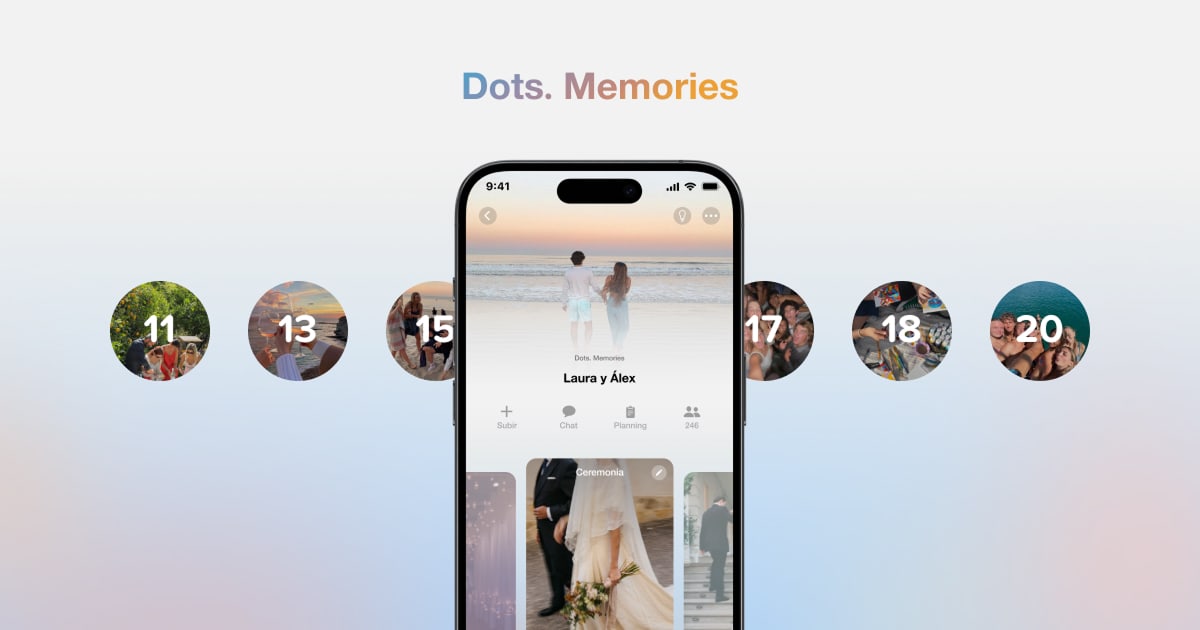
via dotstheapp.com
An app designed to collect and relive shared memories, not exclusively for weddings but also used in that context. It organizes photos into personalized calendars, where each day is shown as a bubble that fills up as memories are added.
Pros:
Multilingual interface
An original visual approach: photos are organized in a "bubble" calendar that makes reliving memories a pleasure
Focus on privacy and intimate sharing, only with the people you choose
Available on iOS and Android
Designed to last over time, not just for the day of the event
Cons:
Requires downloading the app: a real barrier for many guests, especially the less tech-savvy
It's not a wedding-specific platform: it lacks dedicated features like table QR codes, RSVPs, an event schedule or a wedding registry
No live photo wall or real-time slideshow
No browser access: guests must download the app and sign up
No event management or planning tools
An interesting app if you want a visual diary of your shared memories, but not well suited as the main tool for collecting photos at a wedding with lots of guests. The download barrier and the lack of event-specific features make it more of a personal option than a wedding-day solution.
Kululu
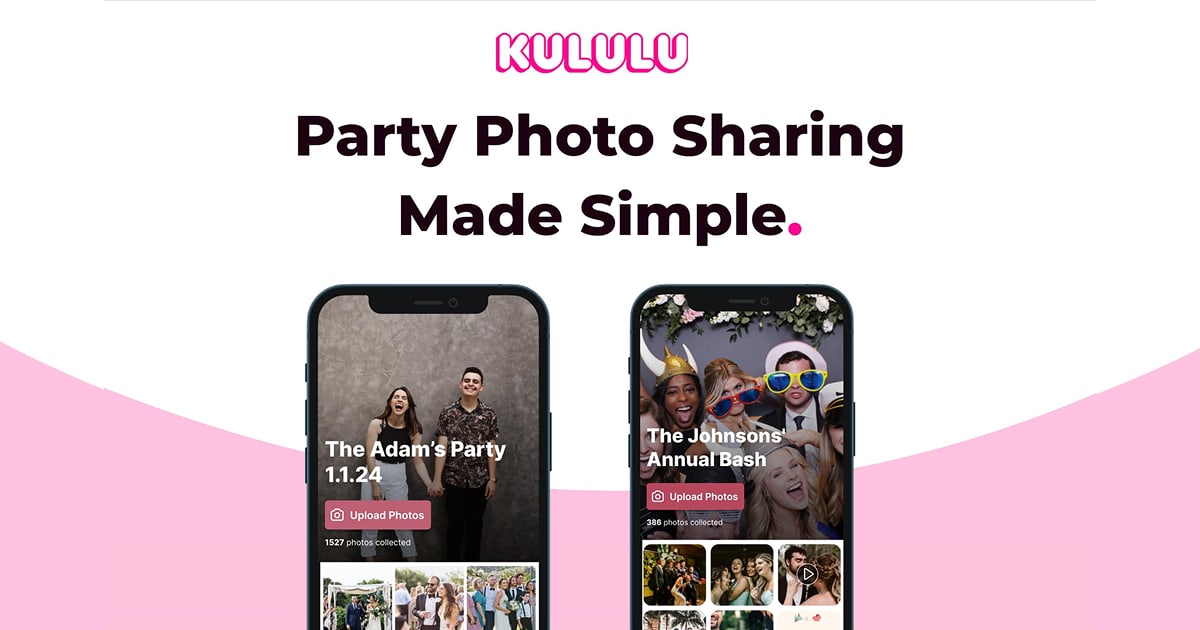
via kululu.com
A platform that focuses on simplicity and a live photo wall for displaying photos on screens during the event.
Pros:
No app needed: guests use the browser
Real-time photo wall (handy for projectors or screens at the venue)
Automatic and manual content moderation
Cons:
Very limited free plan: max 100 uploads, a 3-hour window, access for 7 days
For a real wedding you need the paid plans (roughly $39 to $99)
Limited language options
Doesn't handle any other part of the event: it's photo collection only
Good if you mostly care about the live wall, but the free plan is too tight for a wedding.
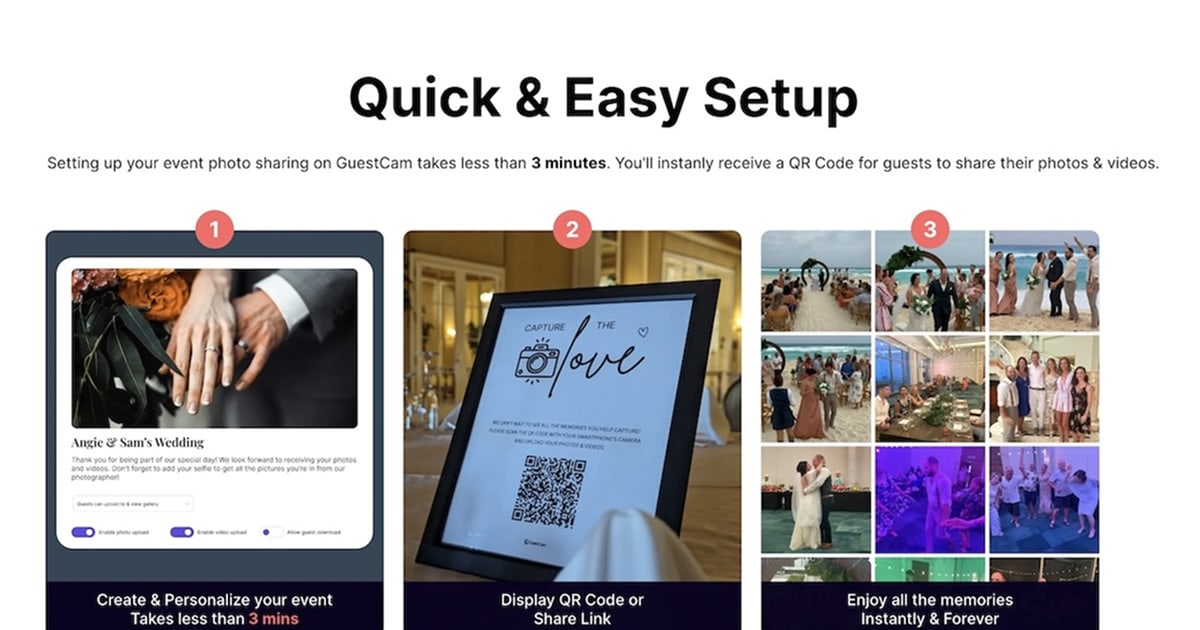
GuestCam
via guestcam.co
It stands out for its MagicFind feature: each guest takes a selfie and the app automatically finds every photo they appear in.
Pros:
An interesting facial recognition feature
No app to download (access via QR code and browser)
14 months of storage
Digital guest book with audio
Cons:
Starting price of $55, plus $45 for the MagicFind feature
Limited to 100 guests on the basic package
Facial recognition may raise privacy concerns among guests
Limited language options
Interesting from a tech standpoint, but the cost climbs quickly and not every guest is comfortable with facial recognition.
Wedibox
via wedibox.com
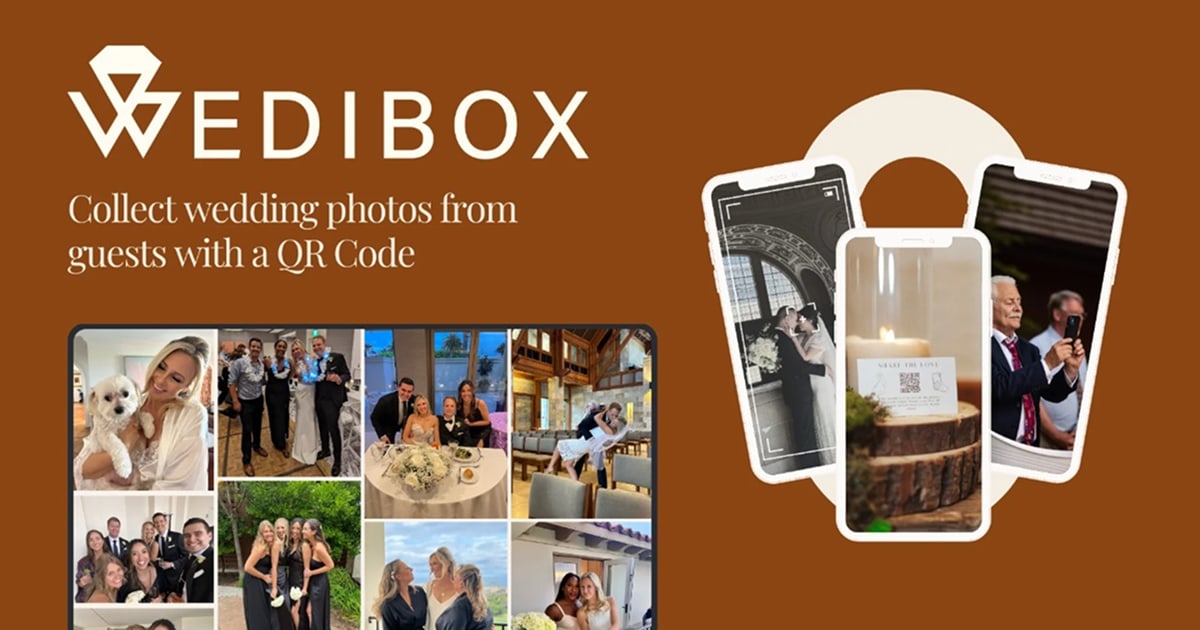
Wedding-focused, it offers QR codes, photo collection, RSVPs and a seating chart in a single platform.
Pros:
All-in-one wedding platform (photos, RSVPs, seating chart)
50+ QR code designs
Multi-album organization (ceremony, reception, party)
No app needed for guests
Cons:
Prices from $49 (3-month package) up to $89 (12 months)
Some features, like the photo wall, require higher-tier packages
Limited language options
Photo compression applies on some plans
A complete solution if you're looking for an international wedding package, but the cost adds up quickly.
WedUploader
via weduploader.com
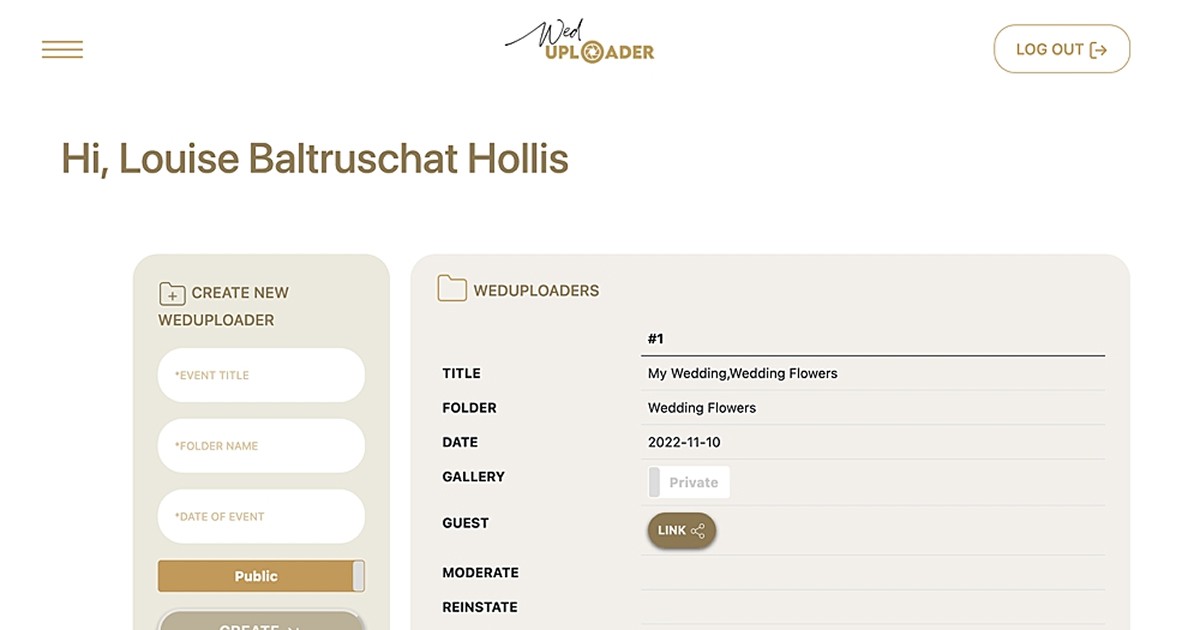
A different approach: it connects directly to your Google Drive. Guests upload photos via QR code and they land in your cloud storage.
Pros:
Free basic version
Unlimited uploads in original quality
Photos go straight to Google Drive (no third-party service)
The album never expires
Cons:
Storage is your own Google Drive (15 GB free, shared with Gmail)
No moderation or advanced organization features
Doesn't handle any other part of the event
Minimalist interface, few customization options
Only works well if you have enough space on Drive
A solid free choice if you already use Google Drive and are having a smaller wedding. For big events, storage becomes a problem.
Fotify
via fotify.app
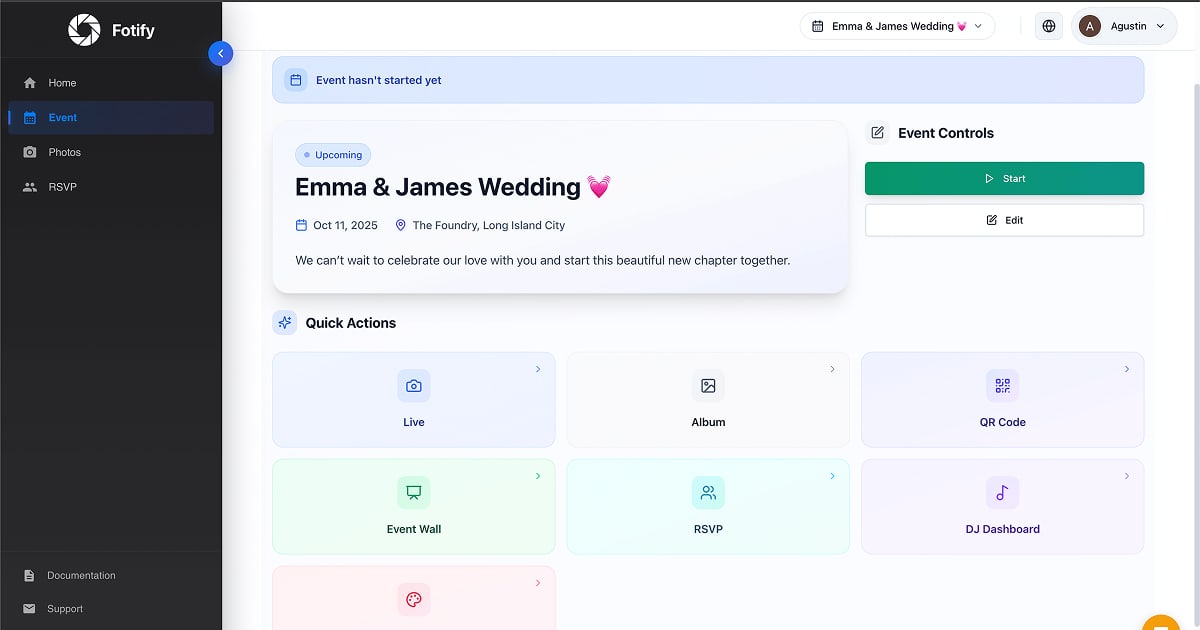
A relatively new platform, built for photo sharing via QR code with a focus on live, real-time display.
Pros:
No app to download: everything works in the browser
Dedicated QR code for instant uploads
Unlimited guests and uploads on paid plans
Real-time photo wall on a TV, monitor or projector
Private gallery, accessible only with the event QR code
Multilingual interface
Built-in RSVPs, digital invitations and song requests for the DJ
Pay per event, not a subscription
Cons:
The free plan is limited to a few uploads: for a real wedding you need the paid plans
Photos are optimized for quick sharing, which suggests compression (original quality isn't guaranteed)
It doesn't handle the event schedule, an announcement board or a wedding registry like an all-in-one platform
Exact prices aren't clear on the public page (a "per event" structure without clear figures)
A solid option if you're mainly after QR code photo collection with a live wall and a few extra planning features (RSVPs, invitations). But it doesn't cover full event management.
How to choose based on your situation
There's no universal answer: the best choice depends on the context of your wedding. Here's a quick guide.
Intimate wedding (up to 30 guests), zero budget:
A shared album on Google Photos or WedUploader may be enough, as long as all your guests are comfortable with the system and have a Google account.
Mid-size wedding (50-100 guests), guests of all ages:
Here you need total simplicity and barrier-free access. Solutions that require an app or an account create too many obstacles. A platform with browser and QR code access is the safest choice.
Large wedding (100+ guests), with planning needs:
Besides photos, you need to manage information, RSVPs, the schedule and communications. Togevent brings everything together in a single link: it saves you from juggling multiple tools and makes life easier for you and your guests.
Wedding with international guests:
If you have guests coming from abroad, you need a platform that works anywhere without downloads, plus simple instructions. A QR code is the most universal format: one scan and you're in.
Whatever your situation, our advice is to test the platform before the wedding. Create the event, share the link with a few friends and make sure uploading works smoothly.
One space for all your photos (and more)
Collecting wedding photos shouldn't be a project of its own. The best system is the one that fits naturally into the day, without adding complexity.
If you're looking for a solution that works for every guest, with no app to download, an interface in your guests' language and the option to manage the rest of the event too, try Togevent. Create your event, turn on the shared album and give your guests a simple way to upload their wedding photos in one place.
Among the 2026 wedding trends, digitizing the guest experience is one of the most visible. More and more couples are choosing tools that remove complexity instead of adding it. And collecting photos in a single shared album, accessible with one scan, is the first step.
Fede from Togevent